End-to-End System
Tutorial 7
End-to-End System
This puts together the chain of prompts that you saw throughout the other tutorials.
Setup
Files
You need to download the following files:
Python
Helper function
System of Chained Prompts
System of chained prompts for processing the user query
Helper function: process user message
def process_user_message(user_input, all_messages, debug=True):
    delimiter = "```"

    # Step 1: Check input to see if it flags the Moderation API or is a prompt injection
    response = openai.Moderation.create(input=user_input)
    moderation_output = response["results"][0]

    if moderation_output["flagged"]:
        print("Step 1: Input flagged by Moderation API.")
        return "Sorry, we cannot process this request."

    if debug:
        print("Step 1: Input passed moderation check.")

    category_and_product_response = utils.find_category_and_product_only(
        user_input, utils.get_products_and_category())
    # print(print(category_and_product_response)

    # Step 2: Extract the list of products
    category_and_product_list = utils.read_string_to_list(
        category_and_product_response)
    # print(category_and_product_list)

    if debug:
        print("Step 2: Extracted list of products.")

    # Step 3: If products are found, look them up
    product_information = utils.generate_output_string(
        category_and_product_list)
    if debug:
        print("Step 3: Looked up product information.")

    # Step 4: Answer the user question
    system_message = f"""
    You are a customer service assistant for a large electronic store. \
    Respond in a friendly and helpful tone, with concise answers. \
    Make sure to ask the user relevant follow-up questions.
    """

    messages = [
        {'role': 'system', 'content': system_message},
        {'role': 'user', 'content': f"{delimiter}{user_input}{delimiter}"},
        {'role': 'assistant',
            'content': f"Relevant product information:\n{product_information}"}
    ]

    final_response = get_completion_from_messages(all_messages + messages)
    if debug:
        print("Step 4: Generated response to user question.")
    all_messages = all_messages + messages[1:]

    # Step 5: Put the answer through the Moderation API
    response = openai.Moderation.create(input=final_response)
    moderation_output = response["results"][0]

    if moderation_output["flagged"]:
        if debug:
            print("Step 5: Response flagged by Moderation API.")
        return "Sorry, we cannot provide this information."

    if debug:
        print("Step 5: Response passed moderation check.")

    # Step 6: Ask the model if the response answers the initial user query well
    user_message = f"""
    Customer message: {delimiter}{user_input}{delimiter}
    Agent response: {delimiter}{final_response}{delimiter}

    Does the response sufficiently answer the question?
    """
    messages = [
        {'role': 'system', 'content': system_message},
        {'role': 'user', 'content': user_message}
    ]
    evaluation_response = get_completion_from_messages(messages)
    if debug:
        print("Step 6: Model evaluated the response.")

    # Step 7: If yes, use this answer; if not, say that you will connect the user to a human
    # Using "in" instead of "==" to be safer for model output variation (e.g., "Y." or "Yes")
    if "Y" in evaluation_response:
        if debug:
            print("Step 7: Model approved the response.")
        return final_response, all_messages
    else:
        if debug:
            print("Step 7: Model disapproved the response.")
        neg_str = "I'm unable to provide the information you're looking for. I'll connect you with a human representative for further assistance."
        return neg_str, all_messages
User input
Response
Step 1: Input passed moderation check. Step 2: Extracted list of products. Step 3: Looked up product information. Step 4: Generated response to user question. Step 5: Response passed moderation check. Step 6: Model evaluated the response. Step 7: Model approved the response. Sure! Here’s some information about the SmartX ProPhone and the FotoSnap DSLR Camera:
- SmartX ProPhone:
- Brand: SmartX
- Model Number: SX-PP10
- Features: 6.1-inch display, 128GB storage, 12MP dual camera, 5G connectivity
- Description: A powerful smartphone with advanced camera features.
- Price: $899.99
- Warranty: 1 year
- FotoSnap DSLR Camera:
- Brand: FotoSnap
- Model Number: FS-DSLR200
- Features: 24.2MP sensor, 1080p video, 3-inch LCD, interchangeable lenses
- Description: Capture stunning photos and videos with this versatile DSLR camera.
- Price: $599.99
- Warranty: 1 year
Now, could you please let me know which specific TV models you are interested in?
Helper function: collect user and assistant messages
- Collect user and assistant messages over time
def collect_messages(debug=False):
    user_input = inp.value_input
    if debug:
        print(f"User Input = {user_input}")
    if user_input == "":
        return
    inp.value = ''
    global context
    # response, context = process_user_message(user_input, context, utils.get_products_and_category(),debug=True)
    response, context = process_user_message(user_input, context, debug=False)
    context.append({'role': 'assistant', 'content': f"{response}"})
    panels.append(
        pn.Row('User:', pn.pane.Markdown(user_input, width=600)))
    panels.append(
        pn.Row('Assistant:', pn.pane.Markdown(response, width=600, style={'background-color': '#F6F6F6'})))

    return pn.Column(*panels)
Chat with the chatbot
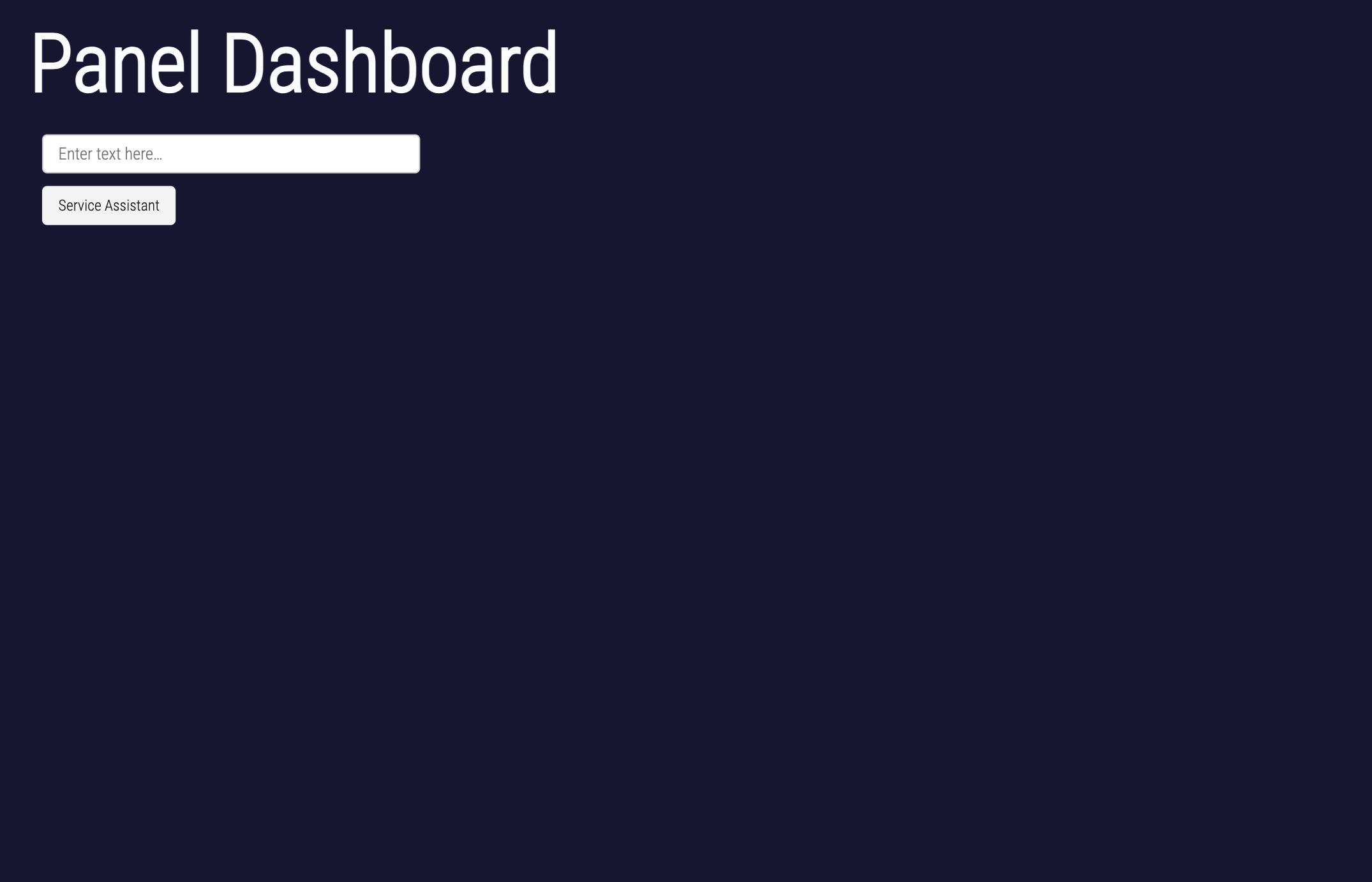
Panel dashboard
The dashboard only works in yor local file
Note that the system message includes detailed instructions about what the OrderBot should do.
panels = []  # collect display

context = [{'role': 'system', 'content': "You are Service Assistant"}]

inp = pn.widgets.TextInput(placeholder='Enter text here…')
button_conversation = pn.widgets.Button(name="Service Assistant")

interactive_conversation = pn.bind(collect_messages, button_conversation)

dashboard = pn.Column(
    inp,
    pn.Row(button_conversation),
    pn.panel(interactive_conversation, loading_indicator=True, height=300),
)

dashboard
Panel output
- Image of panel dashboard
Acknowledgments
This tutorial is mainly based on the excellent course “Building Systems with the ChatGPT API” provided by Isa Fulford from OpenAI and Andrew Ng from DeepLearning.AI
What’s next?
Congratulations! You have completed this tutorial 👍
Next, you may want to go back to the lab’s website
Jan Kirenz