Hugging Face Hub 🤗
Introduction
Introduction

Hugging FAce is a data science and community platform that provides tools to easily build, train and deploy ML models
Tags

- At the top, you can find different tags for things such as the
- task (text generation, image classification, etc.)
- frameworks (PyTorch, TensorFlow, etc.),
- the model’s language (English, Arabic, etc.),
- and license (e.g. MIT).
Inference API
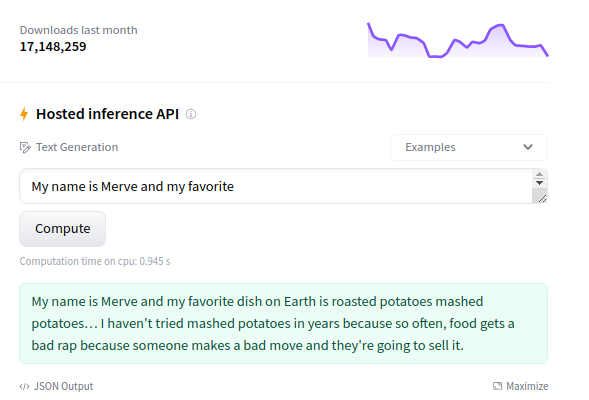
At the right column, you can play with the model directly in the browser using the Inference API.
GPT2 is a text generation model, so it will generate additional text given an initial input.
Try typing something like, “It was a bright and sunny day.”
Model Card Content
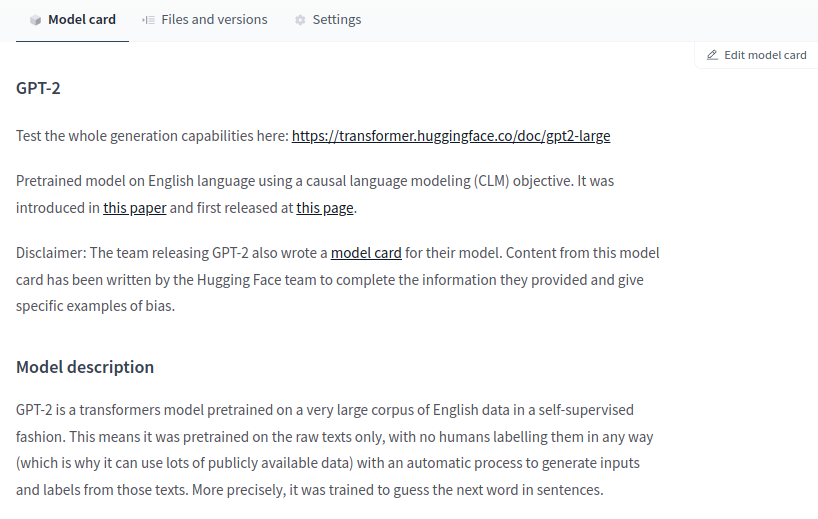
In the middle, you can go through the model card content.
It has sections such as Intended uses & limitations, Training procedure, and Citation Info.
Where does the data come from?
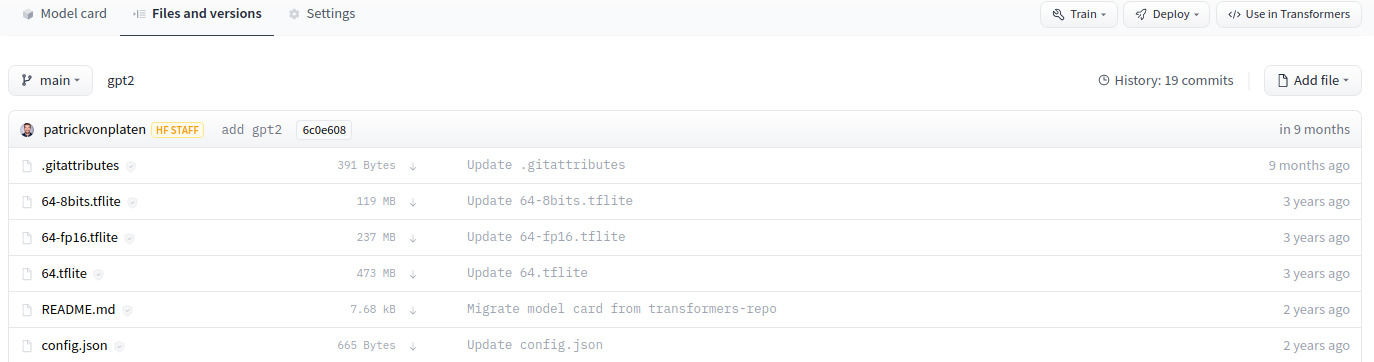
At Hugging Face, everything is based in Git repositories and is open-sourced.
You can click the “Files and Versions” tab, which will allow you to see all the repository files, including the model weights.
The model card is a markdown file (README.md) which on top of the content contains metadata such as the tags.
Just as with GitHub, you can do things such as Git cloning, adding, committing, branching, and pushing.
Filter
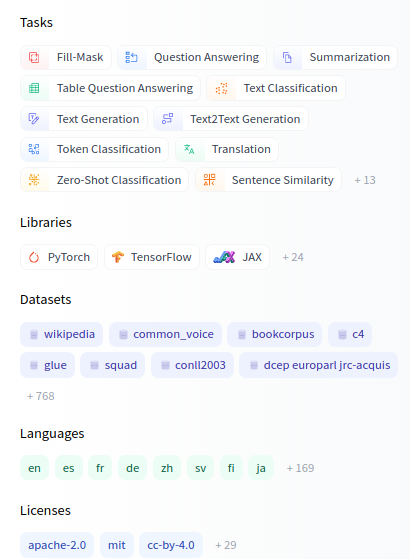
At the left of https://huggingface.co/models, you can filter for different things:
Tasks: Computer Vision, Natural Language Processing, Audio, and more.
Libraries: You can find models of Keras, PyTorch, spaCy, allenNLP, and more.
Datasets: The Hub also hosts thousands of datasets, as you’ll find more about later.
Languages: Many of the models on the Hub are NLP-related. You can find models for hundreds of languages.
GLUE datset
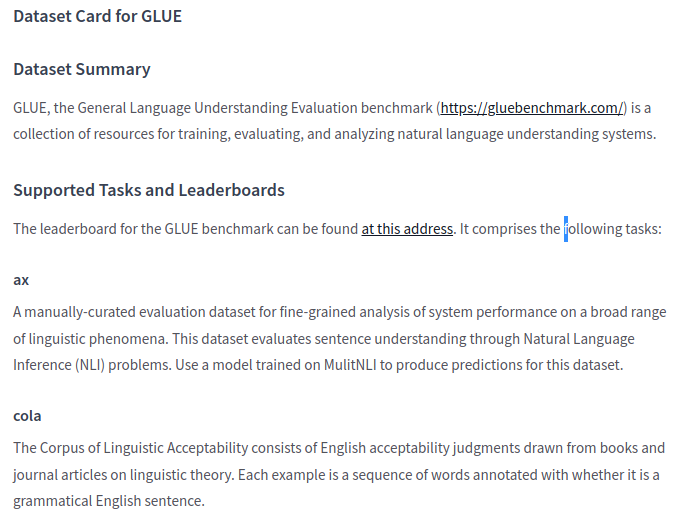
Let’s explore the GLUE dataset, which is a famous dataset used to test the performance of NLP models.
Similar to model repositories, you have a dataset card that documents the dataset. If you scroll down a bit, you will find things such as the summary, the structure, and more.
Dataset slice
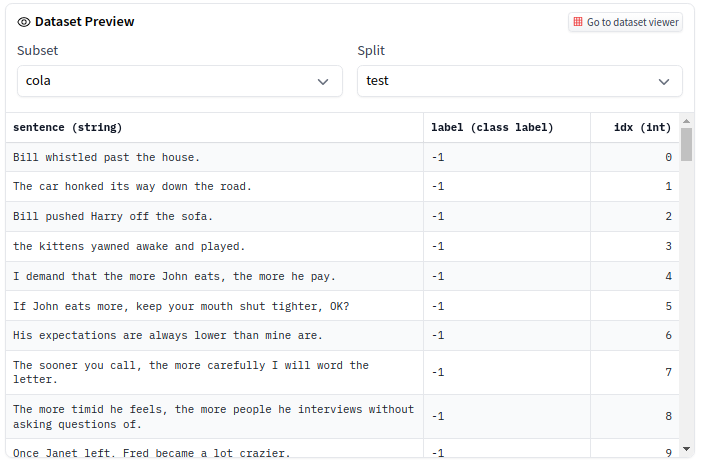
At the top, you can explore a slice of the dataset directly in the browser.
The GLUE dataset is divided into multiple sub-datasets (or subsets) that you can select, such as COLA and QNLI.
Models trained on the dataset
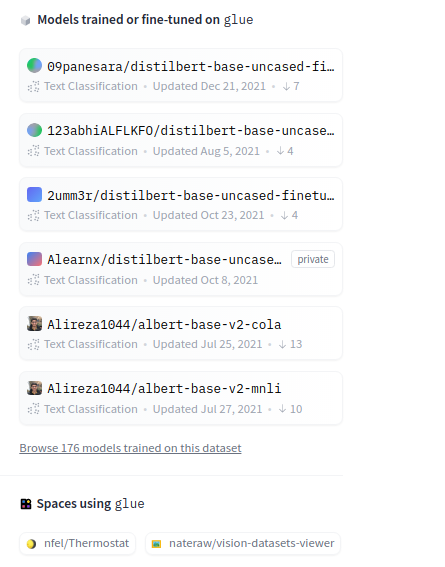
- At the right of the dataset card, you can see a list of models trained on this dataset.
Git approach
- Commit and push your files. (make sure the saved file is within the repository). Use GitHub Desktop or:
And we’re done! You can check your repository with all the recently added files!
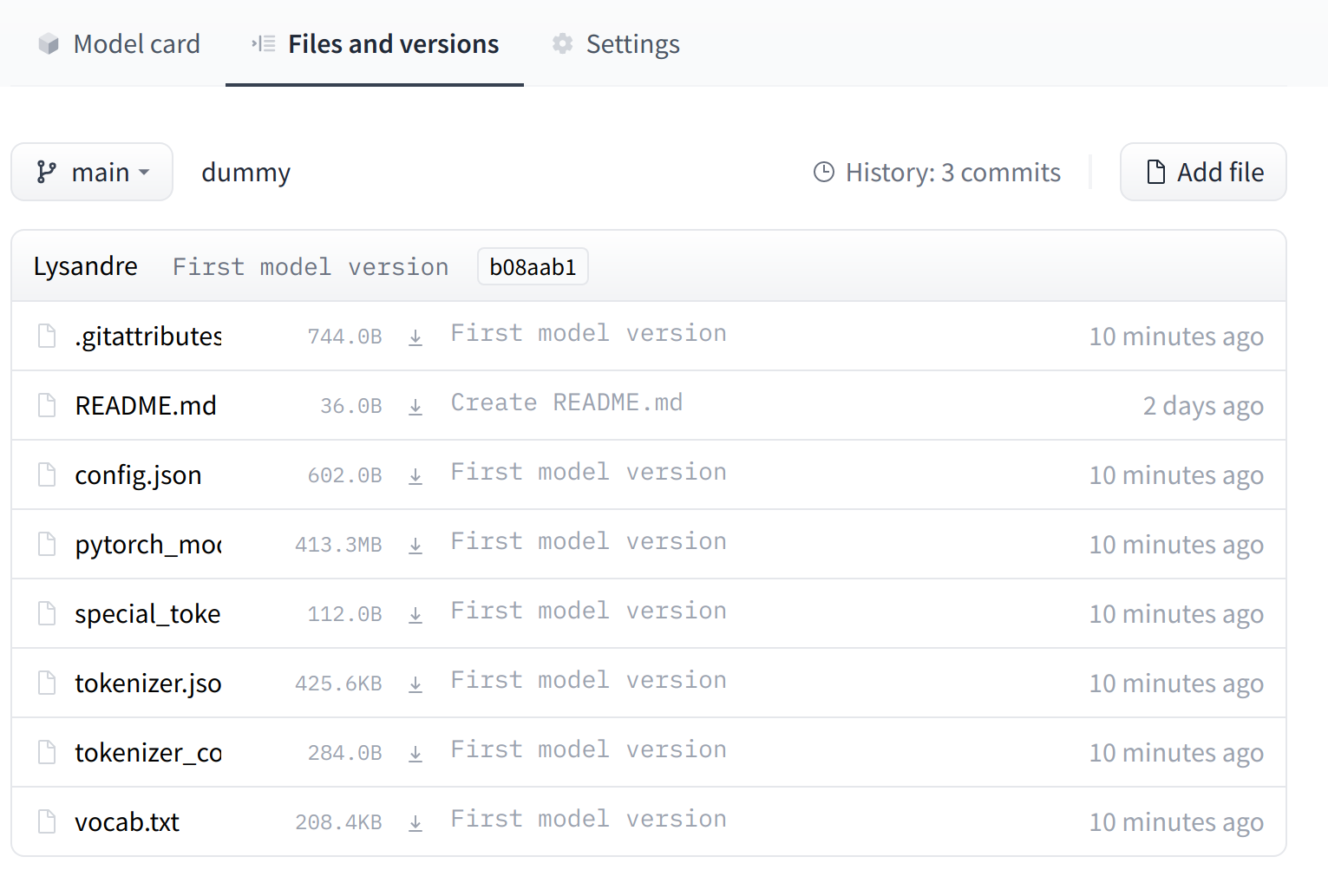
The UI allows you to explore the model files and commits and to see the diff introduced by each commit.