Gradio Image Captioning App
Gradio Tutorial 2
Jan Kirenz
Image Captioning App
In this tutorial, you’ll create an image captioning app with a Gradio interface.
This tutorial is mainly based on an excellent course provided by Isa Fulford from OpenAI and Andrew Ng from DeepLearning.AI.
Setup
Python
Load your HF API key and relevant Python libraries.
Image captioning model
Here we’ll be using the Salesforce/blip-image-captioning-base a 14M parameter captioning model.
API-code (optional)
- Optional: Here is the code for the API-version:
# Image-to-text endpoint (with API)
# def get_completion(inputs, parameters=None, ENDPOINT_URL=os.environ['HF_API_ITT_BASE']):
#     headers = {
#       "Authorization": f"Bearer {hf_api_key}",
#       "Content-Type": "application/json"
#     }
#     data = { "inputs": inputs }
#     if parameters is not None:
#         data.update({"parameters": parameters})
#     response = requests.request("POST",
#                                 ENDPOINT_URL,
#                                 headers=headers,
#                                 data=json.dumps(data))
#     return json.loads(response.content.decode("utf-8"))
Image Captioning
Image example
- Free images are available on: https://free-images.com/
Model output
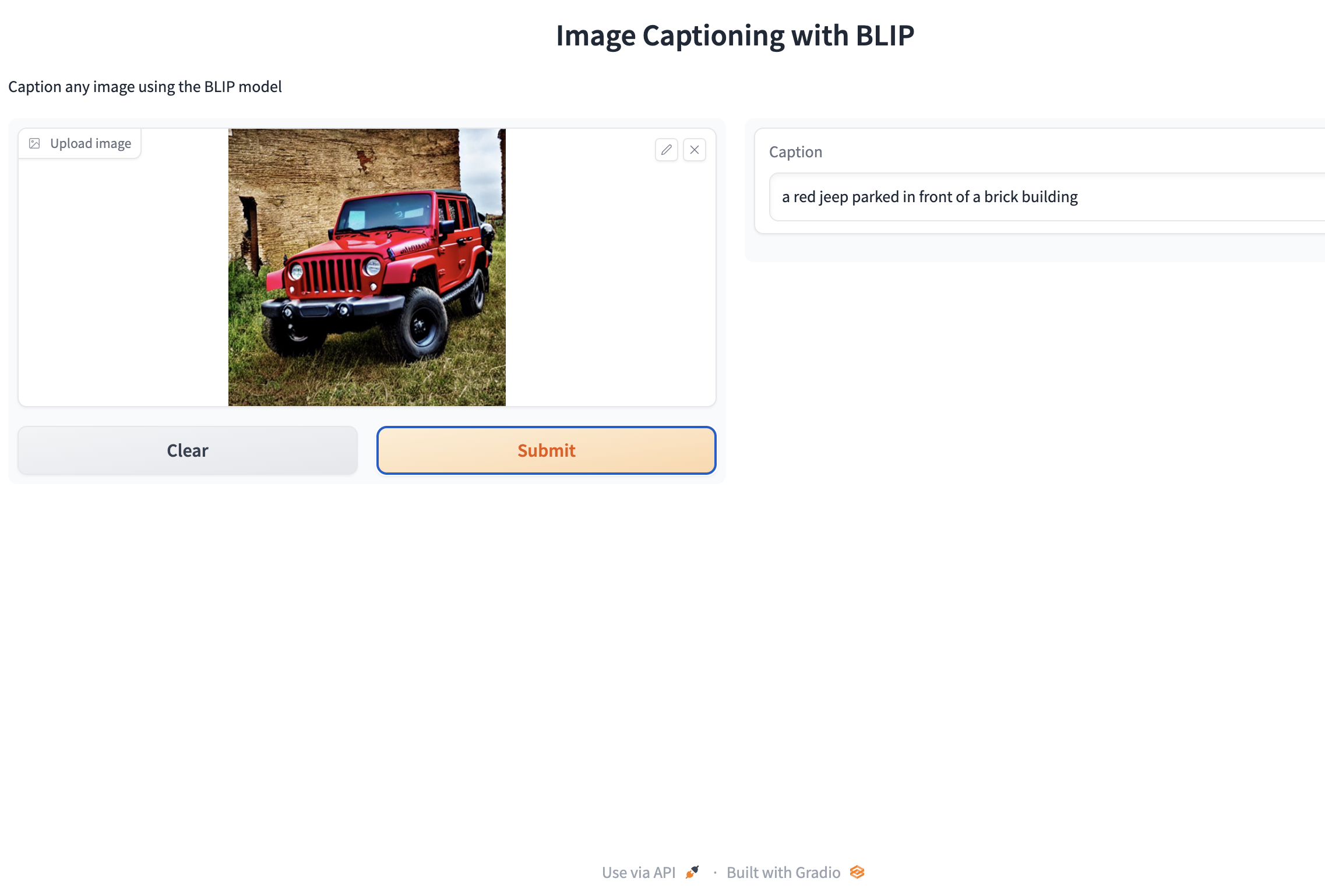
- [{‘generated_text’: ‘a dog wearing a santa hat and a red scarf’}]
Captioning with gr.Interface()
def captioner(input):
    result = get_completion(input)
    return result[0]['generated_text']


gr.close_all()
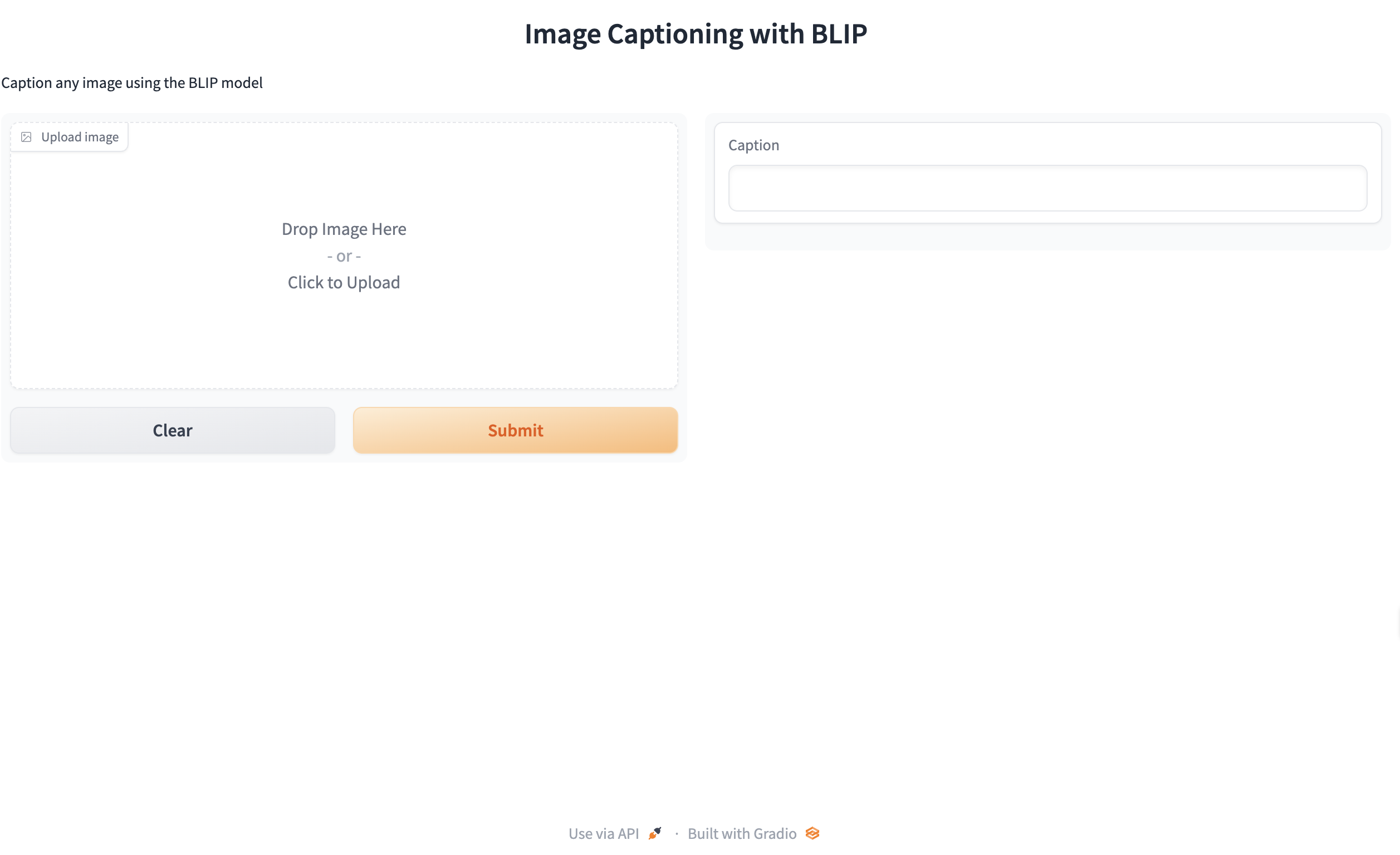
demo = gr.Interface(fn=captioner,
                    inputs=[gr.Image(label="Upload image", type="pil")],
                    outputs=[gr.Textbox(label="Caption")],
                    title="Image Captioning with BLIP",
                    description="Caption any image using the BLIP model",
                    allow_flagging="never"
                    # examples=["your_image.jpeg", "your_image_2.jpeg"]
                    )


demo.launch(share=True)
Gradio interface
Gradio output
API version (optional)
- Optional: Use this code if you want to use the API
# converts image to base 64 format (required for API)


def image_to_base64_str(pil_image):
    byte_arr = io.BytesIO()
    pil_image.save(byte_arr, format='PNG')
    byte_arr = byte_arr.getvalue()
    return str(base64.b64encode(byte_arr).decode('utf-8'))


def captioner(image):
    base64_image = image_to_base64_str(image)
    result = get_completion(base64_image)
    return result[0]['generated_text']


gr.close_all()
demo = gr.Interface(fn=captioner,
                    inputs=[gr.Image(label="Upload image", type="pil")],
                    outputs=[gr.Textbox(label="Caption")],
                    title="Image Captioning with BLIP",
                    description="Caption any image using the BLIP model",
                    allow_flagging="never"
                    # examples=["christmas_dog.jpeg", "bird_flight.jpeg", "cow.jpeg"]
                    )


demo.launch(share=True, server_port=int(os.environ['PORT1']))
Close all connections
What’s next?
Congratulations! You have completed this tutorial 👍
Next, you may want to go back to the lab’s website
Jan Kirenz